
Senior SOS Watch Sample Evaluation: K20H vs K55H
A procurement worksheet for senior-care solution providers, distributors and private-label programs. Compare K20H and K55H, then validate the SOS, communication, caregiver and server workflow on the exact sample configuration.
For distributors, private-label brands and integration projects. No registration is needed to download the worksheet.
Compare the starting models
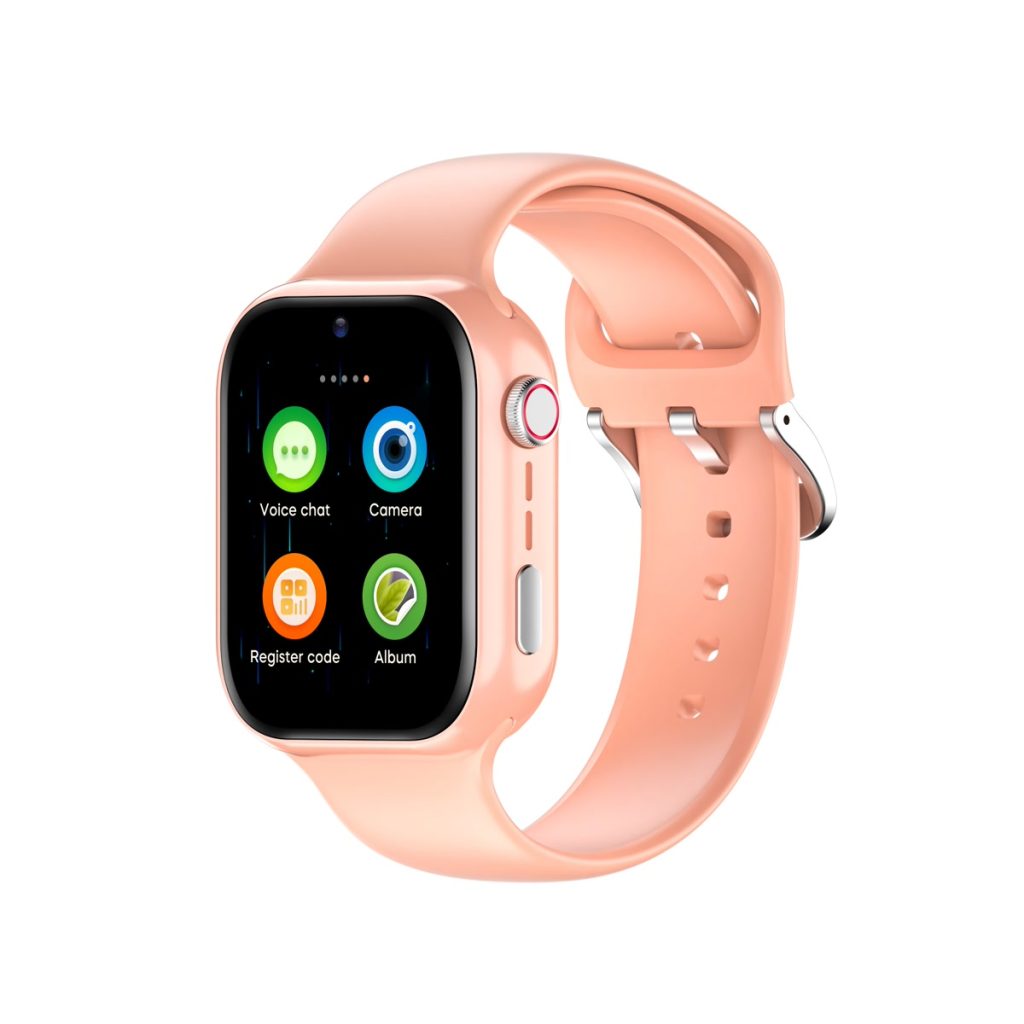
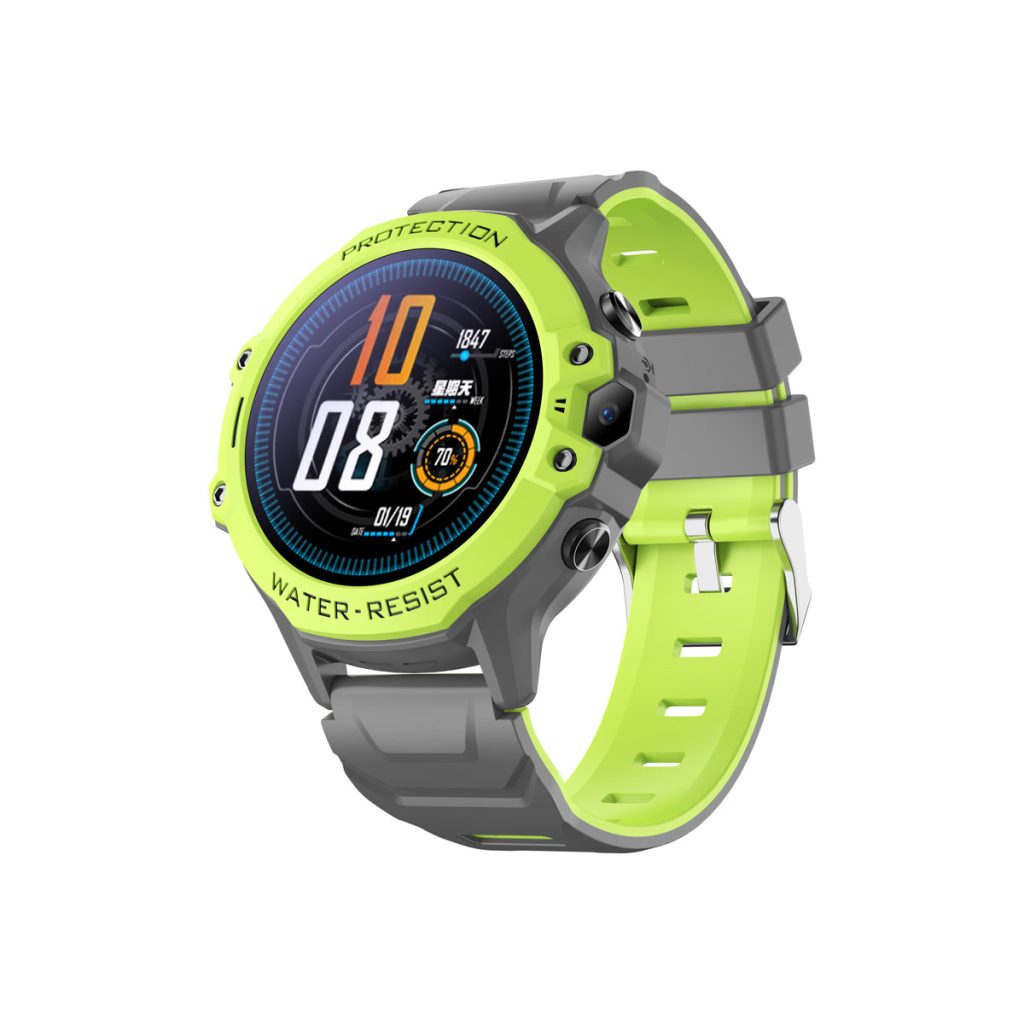
| Reference | K20H | K55H |
|---|---|---|
| Platform | ASR3601 | ASR3602S |
| Display | Confirm with sample specification | 1.28-inch color touch screen |
| Battery reference | 1000 mAh | 680 mAh |
| Camera reference | 0.3 MP | Camera listed; resolution to confirm |
| LTE catalogue bands | B1/B2/B3/B5/B7/B8/B20 | B1/B2/B3/B5/B7/B8/B20 |
| Wi-Fi / Bluetooth connectivity | Not listed as supported | Not listed as supported |
These are catalogue reference configurations, cross-checked with the existing model pages on 9 November 2026. Confirm the production-intent sample and signed specification before ordering. Capacity is not a runtime guarantee.
Run a sample evaluation that produces usable evidence
The downloadable pack includes this protocol and a blank quotation worksheet. It is not a completed test report.
Hardware and network
Record hardware revision, firmware, SIM, operator, APN and IMEI. Test two-way calling and reconnection on the intended carrier.
Keep: Sample identity, operator and call log
SOS delivery
Record button operation, recipient sequence, voice call, app or SMS alert route, acknowledgement, retries and no-coverage behavior.
Keep: Timestamped trigger/receipt/acknowledgement log
Caregiver usability
Evaluate speaker audibility, contact selection, charging, strap, display readability and button operation with the intended users or their representatives.
Keep: Observed usability issues and agreed changes
Positioning
Compare the reported position with reference locations outdoors and indoors. Record coverage, update interval and stale-location behavior.
Keep: Reference coordinates and timestamped map captures
Fall-alert workflow
Use the supplier-agreed safe test method. Record controlled triggers, ordinary-activity false alerts, cancellation and caregiver notification. Never ask a person to fall.
Keep: Test protocol, triggers, false alerts and notifications
Server and integration
Confirm whether the quoted version uses the supplied app, a buyer server or another integration route. Request actual protocol/API documentation and fee/update terms.
Keep: Agreed architecture, document version and sample integration results
Battery and acceptance
Measure runtime under the agreed call, reporting and signal profile. Define buyer acceptance criteria and resolve failures before approving production.
Keep: Runtime log, open issues and approved sample record
What to send for a model-specific quotation
Destination country and carrier; preferred model; sample quantity and planned volume; logo/packaging/language requirements; app/server/API arrangement; required documents; target sample date.
GALAX confirms the exact hardware/firmware, sample and volume MOQ, itemized quotation, lead times, applicable documents, app/server fees and warranty terms per project.
Download the copy-and-send RFQ template or use the existing contact page.
Model reference and sample evidence
Reference review: 11 November 2026. These fields come from supplier model sheets cross-checked with the published Galax model pages. They describe a starting configuration; they are not a completed test report.
| Model | Hardware reference | Water resistance reference | Wi-Fi / Bluetooth reference | Before sample approval |
|---|---|---|---|---|
| K20H | ASR3601; Not confirmed; 1000 mAh | Not confirmed | Not supported / Not supported | Carrier/SIM, firmware/app, runtime and model-specific documents require confirmation |
| K55H | ASR3602S; 1.28-inch touch screen; 680 mAh | Not confirmed | Not supported / Not supported | Carrier/SIM, firmware/app, runtime and model-specific documents require confirmation |
Capacity in mAh does not establish runtime. A listed LTE band does not establish carrier approval, VoLTE operation or local market conformity. Keep the exact hardware, firmware, SIM/operator and companion app together in the approved sample record.
Download the model-reference data (JSON) · Compare standard supply, branding and integration scope
Evidence to retain with the actual sample
Keep the model label, sample identifier, hardware/firmware/app versions, SIM and operator, test date and conditions, observed results and unresolved issues. Record calls, positioning, SOS delivery and runtime against agreed acceptance criteria. For applicable senior models, use only a safe supplier-agreed fall-alert test; never ask a person to fall.
No completed physical performance test or named-carrier approval is asserted by this page. Use the model and document confirmation guide to match the quotation and available evidence.